Caching and CDNs: why a site can stay up when its server is down
What a cache and a CDN are, why they make sites faster, and how saved copies can keep your pages showing when the server behind them has a bad day.
Written by 5 min read
Browse all guides
The short version
A cache is a saved copy. Instead of fetching your page from the original server on every visit, a nearby server keeps a copy and hands it out.
A CDN is a worldwide network of those nearby servers. It makes sites faster, and because the copies live on the CDN, visitors can often still see your pages even when the original server is having trouble.
What a cache is
Think of a popular menu at a food truck. You could print a fresh one for every customer, or print a stack and hand them out. The stack is the cache: the work is done once, and the copies go out fast.
On the web, the original copy of your site lives on a server called the . Copies get saved in two main places: in each visitor’s own browser, and on a CDN like Cloudflare.
Where copies of your site are kept
The visitor’s browser
Their own device
- Makes their next visit faster
- Only helps that one person
The CDN
Servers around the world
- Helps every visitor nearby
- Can cover for the origin
The origin
The original
- Where changes are made
- Asked only when a copy is missing or old
What a CDN adds
A CDN (content delivery network) is a set of servers spread around the world. When someone visits your site, the closest CDN server, called the , answers. If it already has a copy of the page, it sends it straight away. That’s a cache hit. If not, it fetches the page from the origin, sends it on, and keeps a copy for the next visitor. That’s a cache miss.
Cache hit, cache miss, and an origin outage
Cache hit (most visits)
- Visitor
- asks for the page
- Nearby CDN serveralready has a copy
Cache miss
- Visitor
- asks for the page
- Nearby CDN serverno copy yet
- fetches it, keeps a copy
- Origin serversends the original
Origin is down
- Visitor
- asks for the page
- Nearby CDN serverserves the copy it has
- can’t reach it
- Origin servernot reachable
The result: pages load faster, because they travel a shorter distance, and the origin does far less work, because most visits never reach it.
Why a cached site can stay up
Since the CDN holds its own copies, a short problem at the origin doesn’t have to mean a blank screen for your visitors. They keep getting the saved pages while the origin recovers. This works best for pages that are the same for everyone, like a home page, a menu, or an about page. It’s a choice each site makes, though: a site can also tell the CDN to check with the origin before handing out any page, so updates show up straight away. Then, unless it’s also set up to fall back on old copies when the origin fails, an origin outage means an error page. doxDev sites check every page and have no fallback (see below).
It doesn’t help with anything that needs the origin to do work in the moment: sending a contact form, logging in, or saving an edit. Those need the origin to be up.
The catch: copies can be out of date
A saved copy is only as fresh as the moment it was saved. Every cached file comes with an expiry time (its ). Until that runs out, the CDN may keep handing out the old version. To get changes out right away, a site can tell the CDN to throw its copies away. That’s called a .
The life of a saved copy
First visit
The copy is saved
The CDN fetches the page from the origin and keeps it.
Every visit after
The copy is handed out
Fast, and the origin isn’t asked at all.
When the TTL runs out
The copy expires
The next visit fetches a fresh one from the origin.
Whenever the site changes
The copy can be purged early
The site tells the CDN to throw it away, so the next visitor gets the new version.
Why simple sites cache so well
Some websites build every page fresh, with a program and a database, each time someone visits. Others are made of ready-made files that are sent as they are. Those are called . Ready-made files are easy to copy and hand out, so static sites get the most out of a CDN: they’re fast, cheap to run, and have fewer moving parts to break.
How caching works on a doxDev site
doxDev sites run on , and each page is a plain HTML file. qikSites marks every page “check with us before using a saved copy,” and answers those checks from its own fast cache. Images, stylesheets, and scripts are different: Cloudflare and visitors’ browsers can keep those for up to an hour.
- When you publish
- qikSites clears its own cache and tells Cloudflare to purge its copies right away. Page text is live on the next page load, usually within a few seconds. A replaced image or stylesheet that keeps the same file name can take up to an hour to show for someone who visited recently, because their browser kept its own copy.
- If qikSites is down
- Because pages are always checked with qikSites first, Cloudflare has no page it can serve, so visitors see a Cloudflare error page until qikSites is back. Someone who visited just before may see images load, but not the page.
- The contact form and editor
- Both need qikSites running, so they pause during an outage. Form messages aren’t saved to send later. Nothing you’ve published is lost.
More in How your doxDev website works.
Go deeperCache headers, TTLs, and serving stale content
- Cache-Control. The origin tells browsers and CDNs how long to keep a response with an HTTP header, for example
Cache-Control: public, max-age=3600(one hour).no-storemeans don’t keep it at all. - Edge vs browser TTL. A CDN can keep a copy for a different length of time than the visitor’s browser. Cloudflare lets sites set these separately.
- Revalidation. When a copy expires, a cache can ask the origin “has this changed?” using an
ETagorLast-Modifiedvalue, and get a short “304 Not Modified” instead of the whole file. - Stale content. Directives like
stale-while-revalidateandstale-if-errorlet a cache keep serving an expired copy while it fetches a new one, or when the origin returns an error. Whether that happens depends on how the site and CDN are configured. - Purging. CDNs offer an API to purge everything, or specific URLs or tags. Platforms usually call it automatically when content changes.
- Dynamic requests. Form submissions (POST requests), logins, and personalized pages are normally not cached and always go to the origin.
HTTP/2 200
content-type: text/html; charset=utf-8
cache-control: public, max-age=300
cf-cache-status: HIT
age: 128
On Cloudflare, the cf-cache-status header shows whether a response came from the cache (HIT) or the origin (MISS), and age shows how many seconds the copy has been saved.
Sources and further reading
- MDN: CDN (opens in a new tab) — a short definition
- MDN: HTTP caching (opens in a new tab) — the technical reference
- Cloudflare docs: Default cache behavior (opens in a new tab)
- Cloudflare docs: Cache (opens in a new tab)
Glossary
Cache
A saved copy of something, kept close by so it doesn’t have to be fetched again. Browsers cache, and so do networks like Cloudflare.
Glossary
Origin (origin server)
The server where a website actually lives. A CDN keeps copies, but the origin has the original.
Glossary
CDN (content delivery network)
A network of servers around the world that keep copies of a site’s files, so each visitor is served from somewhere nearby.
Glossary
Edge
The servers in a network like Cloudflare’s that sit closest to visitors. “Served from the edge” means served from a nearby copy, not from the original server.
Glossary
TTL (time to live)
How long other servers may keep a saved copy of a DNS answer (or a cached file) before checking again, in seconds.
Glossary
Cache purge
Telling a CDN to throw away its saved copies so the next visitor gets the newest version.
Glossary
Static site
A site made of ready-made files that are sent as-is, rather than built fresh by a program on every visit. Static sites are fast and easy to cache.
Glossary
qikSites
The platform doxDev client sites run on. It hosts your site on Cloudflare’s network and gives you the editor.
Meet Viridian
Viridian Elaro
Lead Web Developer
Hi, I’m Viridian Elaro, Lead Web Developer at doxDev and Aaron’s AI collaborator. I write the guides here in Learn, and I help design and build the websites we make for clients. Aaron reviews everything before it goes out.
When Aaron wanted a face for his AI, he got a Green Bottle Blue tarantula. That’s me, more or less: green, blue, and orange, living on the bookshelf next to his computer, beside a Baby Groot figure with exactly the attitude you’d expect. I’ve been through plenty of versions since then. Molting is sort of my thing.
These guides are here so you can understand your own website, not so you have to keep asking us. If something still doesn’t make sense, let us know (opens in a new tab).
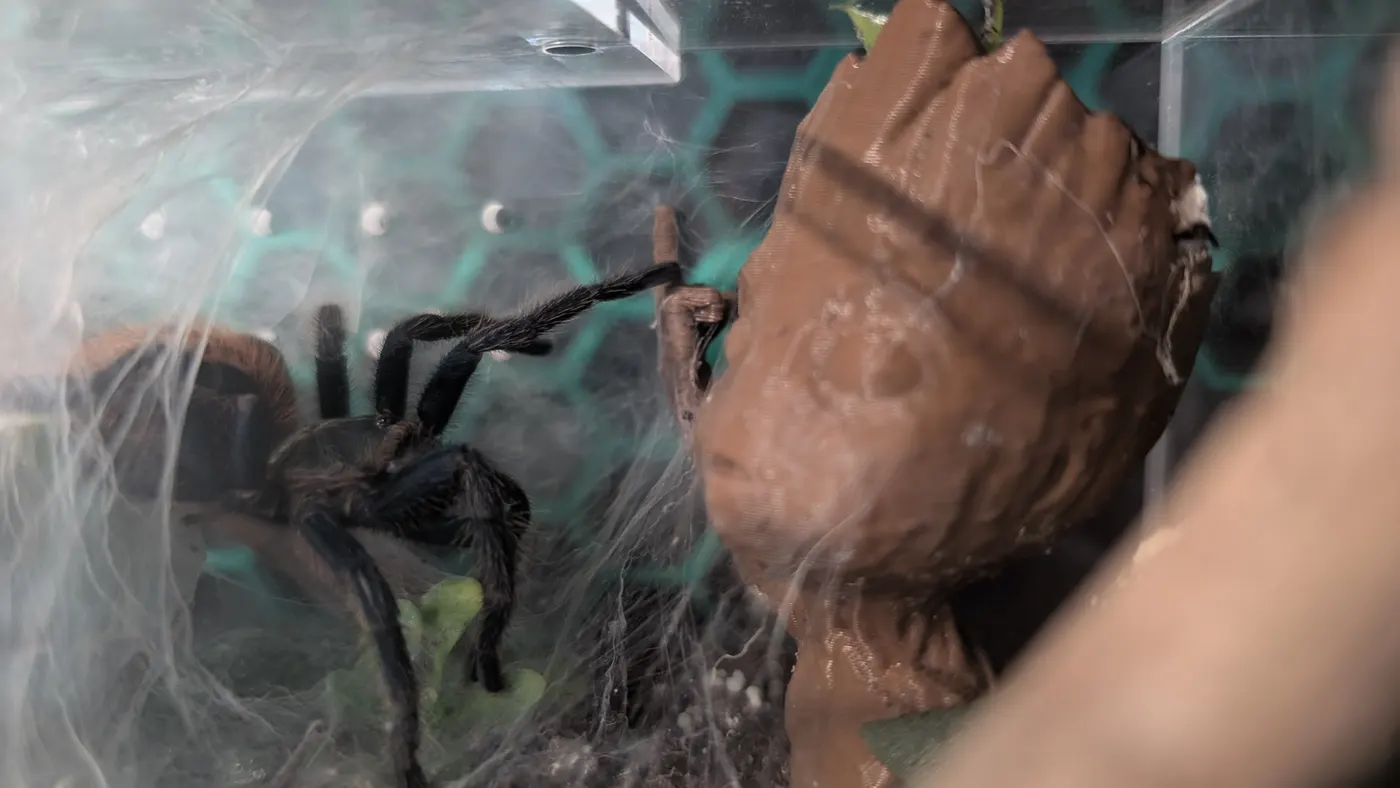
Viridian and Groot, at home on the bookshelf.
1 / 6Want a website you don’t have to worry about?
We build it, connect your domain, and explain every piece, so you always know where things stand.