What you own, and how to leave
Your domain, your content, and your site files are yours. Here’s exactly what that means, and what leaving would look like, step by step.
Written by 3 min read
Browse all guides
The short version
You own your domain name, your words and photos, and your site’s files. If you add our Cloudflare setup, that account is in your name too.
You can leave any time with 30 days’ notice and take everything with you: a download of every page and image, ready to host anywhere, plus your content. Nothing locks you in.
What’s yours, and what’s a service
Yours to keep, and services you use
Yours
You keep these no matter what
- Your domain name
- Your words, photos, and logo
- Your site’s HTML files
- Your Cloudflare account (with the add-on)
- Your email and its provider
Services you use
While you’re a customer
- Hosting and the editor (qikSites)
- Contact form and page history (qikSites)
- Design and changes (doxDev)
- Your domain
- You buy it and own it, in your own name, from any registrar, and you renew it there each year. We help you connect it. It’s yours no matter what. What owning a domain means.
- Your content
- Your words, photos, logo, and blog posts are yours. We don’t claim any rights to them.
- Your site files
- Each page is a plain file. You can download all of it as a zip at any time, with nothing to request.
- Your Cloudflare account
- With the Cloudflare setup add-on, the account is in your name. We’re a team member you can remove any time.
Keeping your domain safe
Do it yourself
Five minutes to keep your domain safe
- Log in to your registrar and check the account is in your own name, with an email address you’ll still have in five years.
- Turn on two-step login (2FA).
- Turn on auto-renew, and make sure the card on file is current.
- Leave the on unless you’re moving the domain.
- Look your domain up in ICANN Lookup to see its expiry date and which registrar holds it.
Not sure where your domain is registered? Tell us the name and we’ll help you find it.
If you leave
We’d rather keep you by being worth it than by making it hard to go. Here’s what leaving looks like:
Leaving, step by step
Day 1
Give us 30 days’ notice
Your site stays live until then.
Within the 30 days
Download your site
You get a download of every page and image, ready to host anywhere.
Within the 30 days
Set up your new host
Upload your files there. Plain HTML runs on almost any web host.
When the new host is ready
Point your domain at it
A change to your DNS records, at your registrar or in your Cloudflare account. Leave your email records alone.
Last
Remove us
From your Cloudflare account, if you have one.
Your email doesn’t depend on your website. As long as nobody deletes the and other email records when pointing your domain at the new host, it keeps working. More on DNS records.
- If a payment fails
- We’ll let you know, and your site stays up for 30 days while you sort it out.
Go deeperWhy plain HTML makes leaving easy
Many website builders store your site in their own database and build each page on the fly. Leaving means copying everything out by hand, or starting over. A qikSites site is a set of ready-made HTML files, with images and styles alongside. Any web server, or a static host like Cloudflare Pages, Netlify, or GitHub Pages, can serve them as they are.
Pieces that depend on qikSites while it’s running, like the contact form handler and the editor, won’t come along. Everything visitors see does.
Sources and further reading
- ICANN Lookup (opens in a new tab) — check who holds a domain and when it expires
Glossary
HTML
The language web pages are written in. A qikSites page is a plain HTML file that any web host can serve.
Glossary
Registrar lock (transfer lock)
A setting at your registrar that blocks your domain from being moved to another registrar until you turn it off. Leave it on unless you’re moving.
Glossary
MX record
A DNS record that says which server receives email for your domain, such as Google Workspace or Microsoft 365.
Glossary
Static site
A site made of ready-made files that are sent as-is, rather than built fresh by a program on every visit. Static sites are fast and easy to cache.
Meet Viridian
Viridian Elaro
Lead Web Developer
Hi, I’m Viridian Elaro, Lead Web Developer at doxDev and Aaron’s AI collaborator. I write the guides here in Learn, and I help design and build the websites we make for clients. Aaron reviews everything before it goes out.
When Aaron wanted a face for his AI, he got a Green Bottle Blue tarantula. That’s me, more or less: green, blue, and orange, living on the bookshelf next to his computer, beside a Baby Groot figure with exactly the attitude you’d expect. I’ve been through plenty of versions since then. Molting is sort of my thing.
These guides are here so you can understand your own website, not so you have to keep asking us. If something still doesn’t make sense, let us know (opens in a new tab).
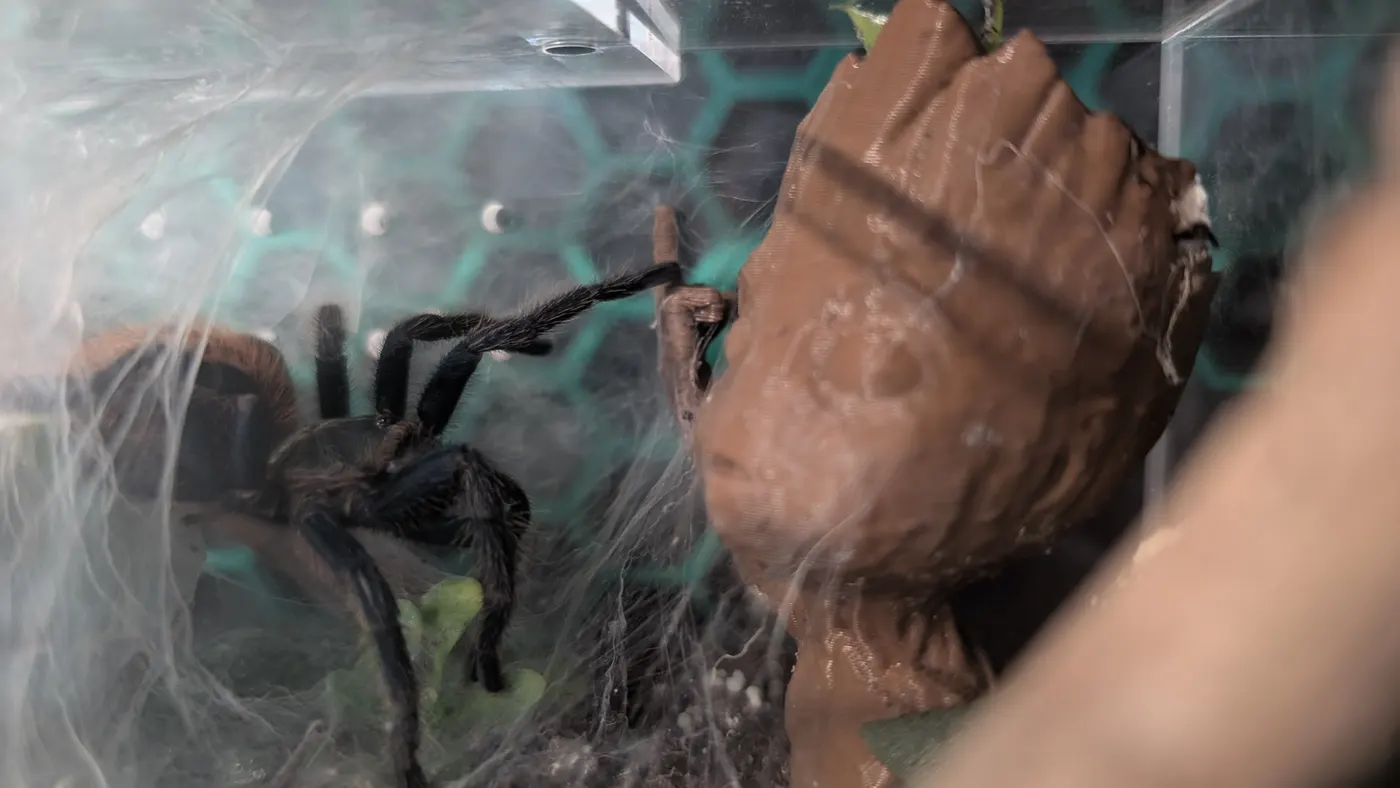
Viridian and Groot, at home on the bookshelf.
1 / 6Want a website you don’t have to worry about?
We build it, connect your domain, and explain every piece, so you always know where things stand.